The best free file converter for musicians, and why it never uploads your music
WAV to MP3 for a demo, AIFF out of Logic, cover art to JPG, the audio out of a phone video: what musicians convert every week, and a free converter that does it all on your own device.
The best file converter for a musician is one that handles every format a session throws at you (WAV, AIFF, FLAC, MP3, cover art, phone videos), keeps 24-bit audio intact, converts a whole folder at once, and never uploads your unreleased music to a stranger's server. Aden's free File converter and File compressor were built for exactly that: they run in your browser, on your own device, with no account, no watermark and no size limit beyond your computer's.
What musicians convert every week
Most of it is small and constant:
- A bounce to MP3 to text a demo or email a rough mix.
- AIFF to WAV, because Logic Pro and Pro Tools write AIFF and a collaborator on Windows, a sampler or a submission form wants WAV.
- MP3 or M4A to WAV for a DJ app, a sampler or a video editor that only takes WAV.
- FLAC to WAV, or back, for archives and stores that sell lossless.
- Cover art to JPG or PNG, and a smaller WebP of it for your website.
- The audio out of a video: a phone recording of a rehearsal, a live set from a stream.
- A video small enough to send: a teaser for a promoter, a clip for a playlist curator, a performance for a booking agent.
None of these should take an account, a download, or an upload.
Why uploading your music to a converter is a bad idea
Search "wav to mp3" and almost every result works the same way: you upload the file, their server converts it, you download it back. For an unreleased song that means a copy on a server you know nothing about, under terms you didn't read. It also means waiting for the upload, file size caps, a queue at busy hours, and often a watermark or a daily limit unless you pay.
A browser can do all of this itself now. Modern browsers ship audio and video encoders (the same ones video calls use), and what a browser lacks can run as WebAssembly. Aden's converter uses the browser's codecs plus open-source encoders, LAME for MP3, FDK AAC and libFLAC, compiled to run on the page. Your file is read, converted and saved on your machine. Close the tab and nothing is left anywhere.
What makes it fit a music workflow
- AIFF everywhere. Most browsers can't open AIFF at all. The converter reads it itself, 16, 24 or 32-bit, so AIFF to WAV works in Chrome, Edge and Firefox, not only Safari.
- 24-bit by default. WAV comes out at 24-bit and MP3 at 320 kbps unless you choose otherwise. Switch WAV and FLAC to 16-bit when a CD plant or a distributor asks for it.
- Whole folders at once. Drop thirty stems and pick a format once: every file converts, two at a time, and Download all gives you one zip.
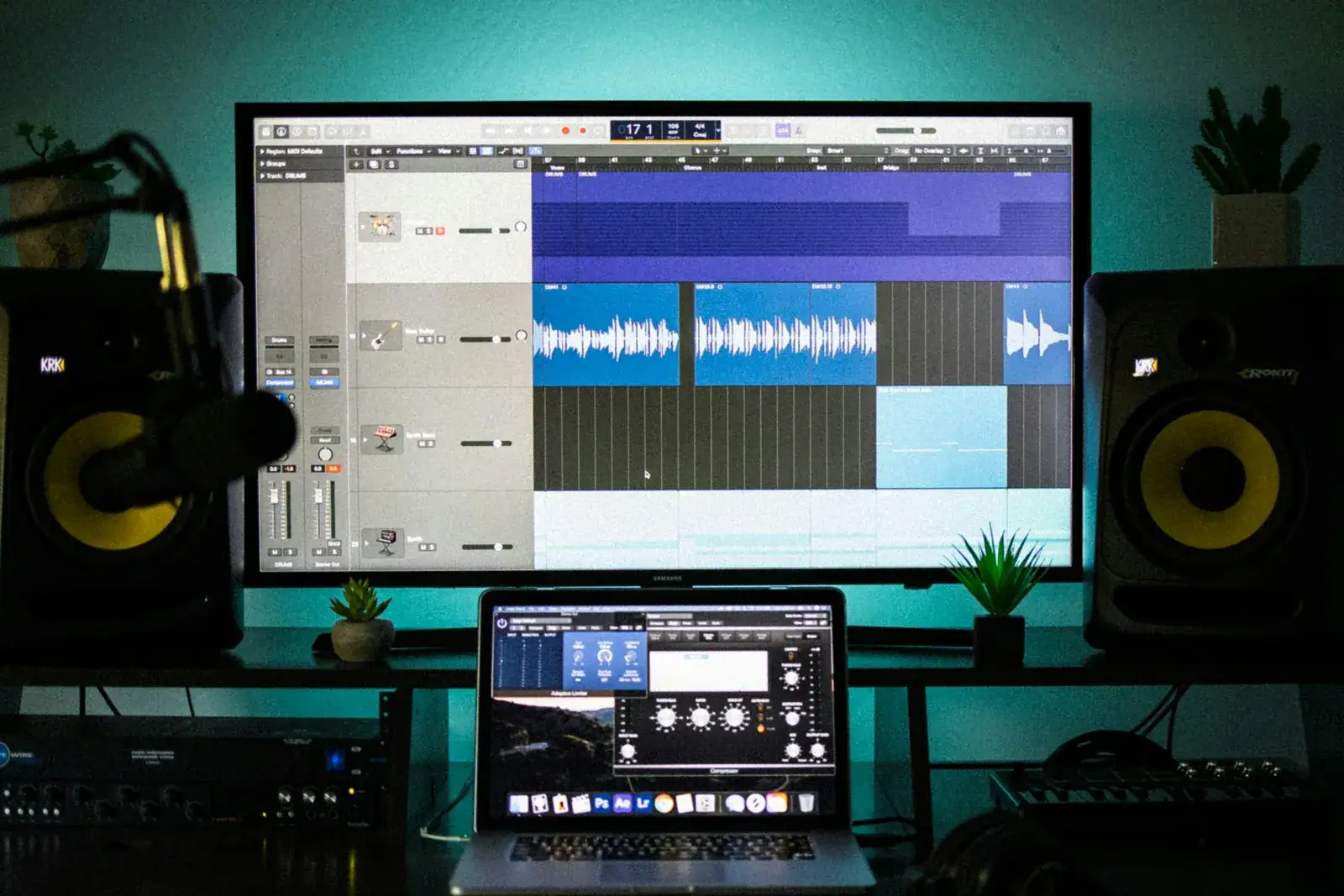
- Straight into your DAW. Drag a converted file from its download button onto your desktop or into FL Studio, Ableton Live or Logic. In the Aden desktop app and in Aden's DAW plugin the drag carries a real file, so every DAW takes it.
- Video without the hassle. Pull the sound out of an MP4 or MOV as MP3 or WAV, or change a MOV into an MP4 without encoding the picture again.
- Honest compression. The File compressor shows each file's size before and after. When a file is already as small as it gets, it keeps the original instead of handing you a bigger one.
Which format to send, and to whom
| Who | Send |
|---|---|
| Mix or mastering engineer | WAV or AIFF at the session's sample rate, 24-bit, no limiter on the master bus |
| Distributor | WAV or FLAC, 16 or 24-bit, never an MP3 |
| Label A&R, playlist curator, blog | A streaming link, or a 320 kbps MP3 |
| Collaborator for ideas | MP3 or M4A, small enough for chat |
| Your website | WebP images, MP3 previews |
Streaming services encode their own copies from what your distributor sends them. Starting from an MP3 means your listeners hear a file compressed twice.
Every conversion has its own page
The most common conversions open the converter already set to the right format: WAV to MP3, MP3 to WAV, AIFF to WAV, FLAC to MP3, M4A to MP3, MP4 to MP3, MOV to MP4, JPG to PNG and PNG to WebP. Each is in 17 languages.
For the step by step, read how to convert WAV to MP3, JPG to PNG and any media file and how to compress images and videos.
Where the files go next
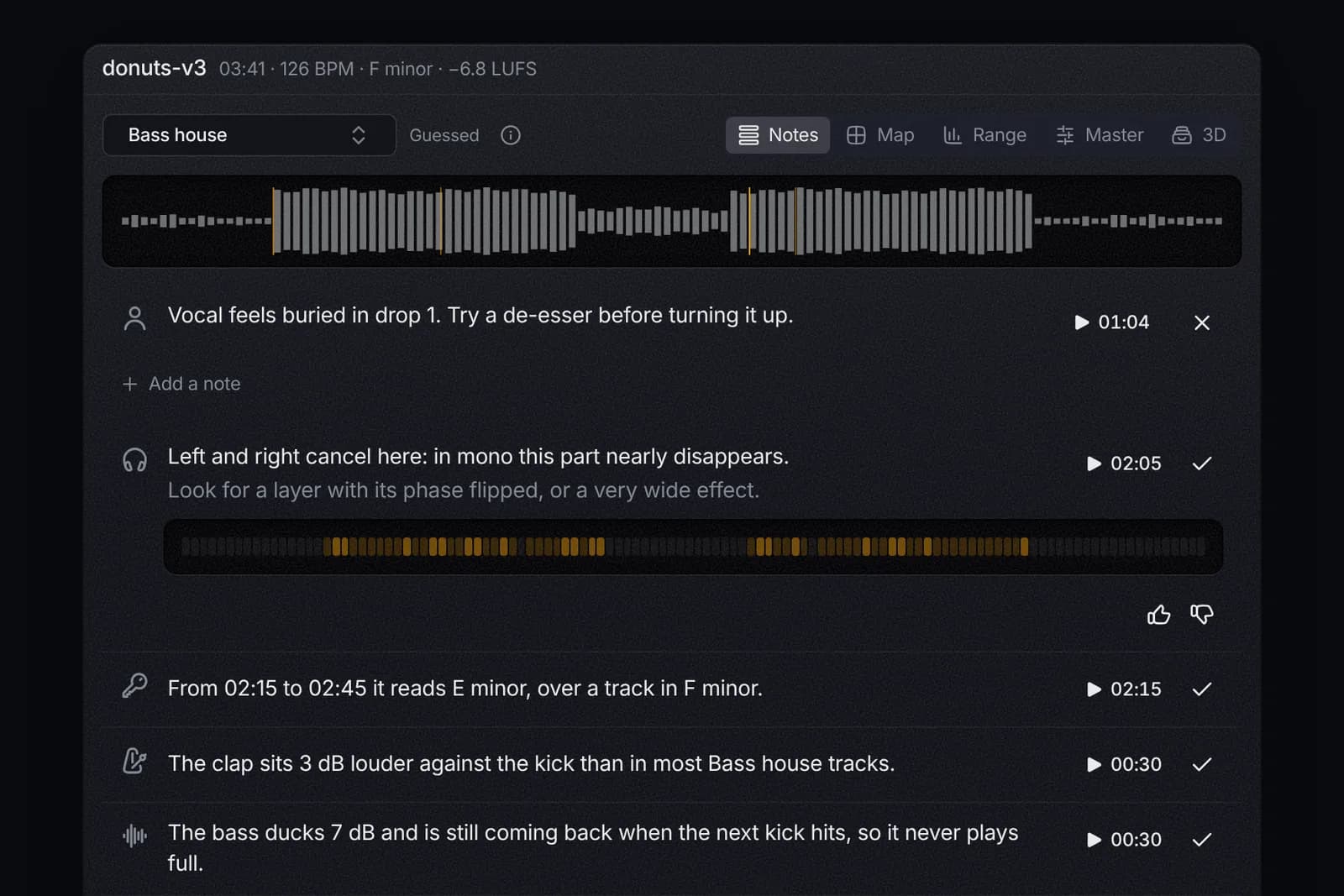
A conversion is usually a step between versions: the demo, the mix, the master, the radio edit, the cover in three sizes. Aden keeps every version of a track with its notes, credits, artwork and release plan, so the file you need is one search away instead of somewhere in your downloads.
Less admin. More music.